








Successful design tool gets a great update
Text Carolien KleesImage garDsign
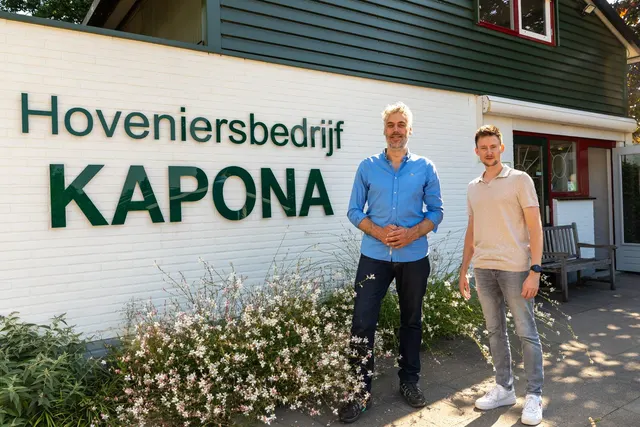
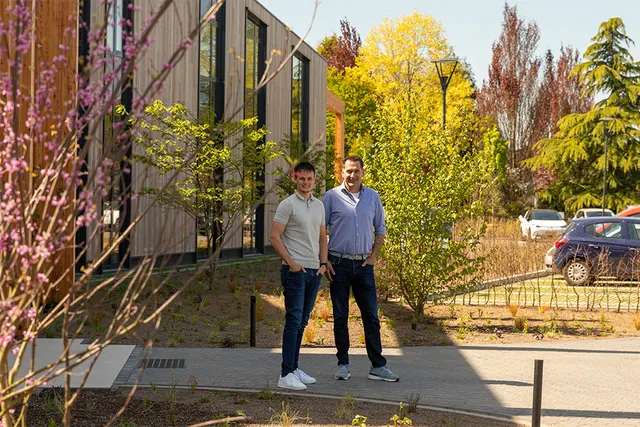
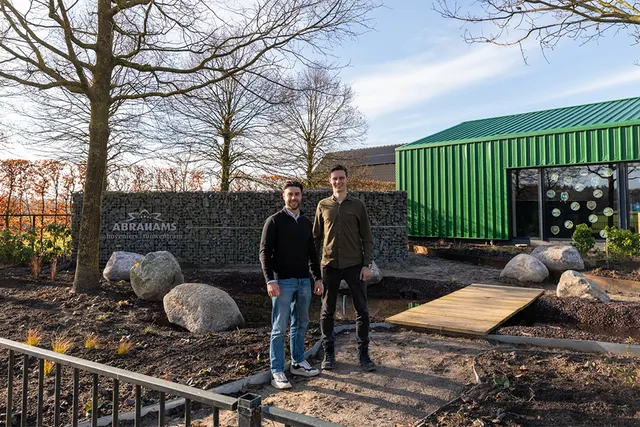
In response to the need for a programme that would allow him to quickly create a good garden design and accompanying quote, Teunis van de Pol, founder and director of garDsign, developed a software programme. “At our civil engineering and landscaping company, we wanted to save time on the quotation process. Especially in spring, when we have a lot of work to do and receive a lot of enquiries.” The tool proved so effective and useful that, in time, Van de Pol decided to bring it to market. This digital design tool recently received a fantastic update.
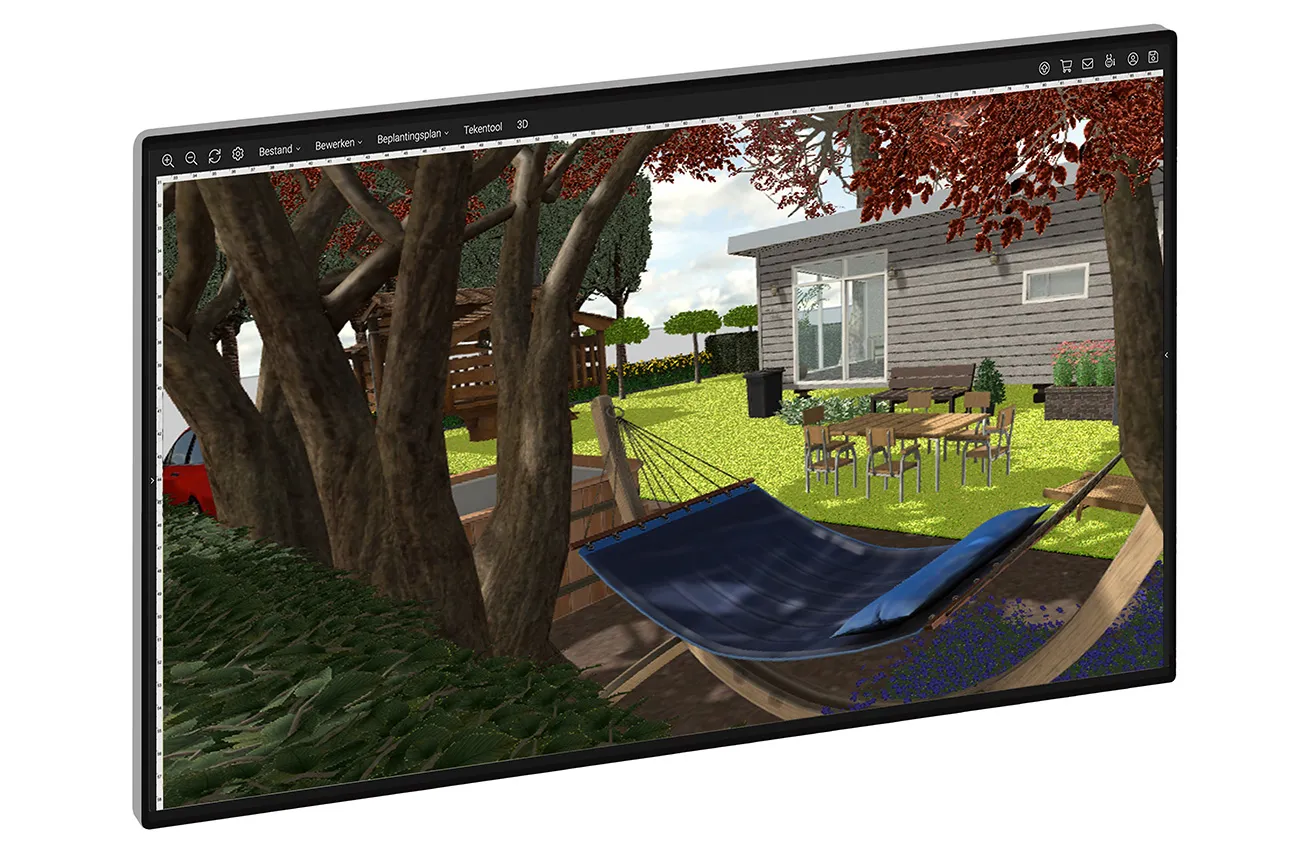
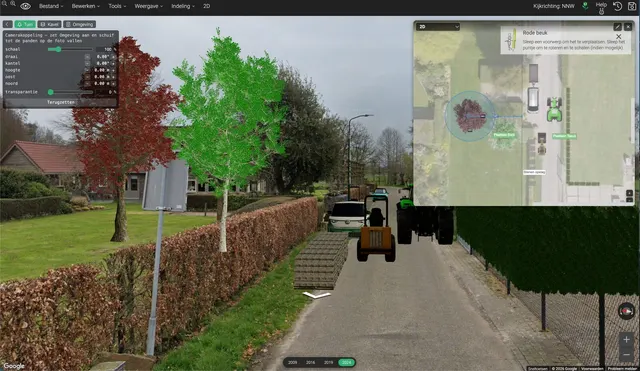
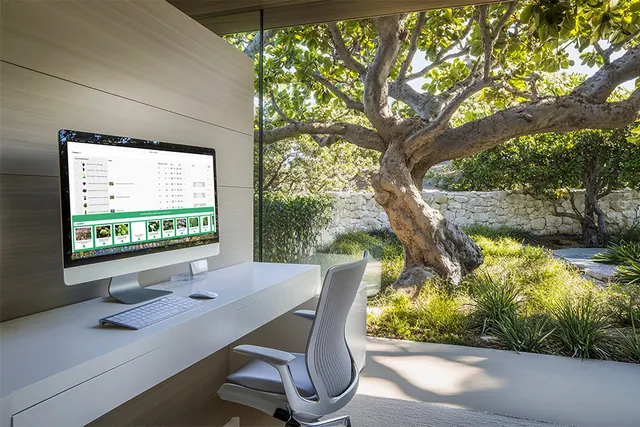
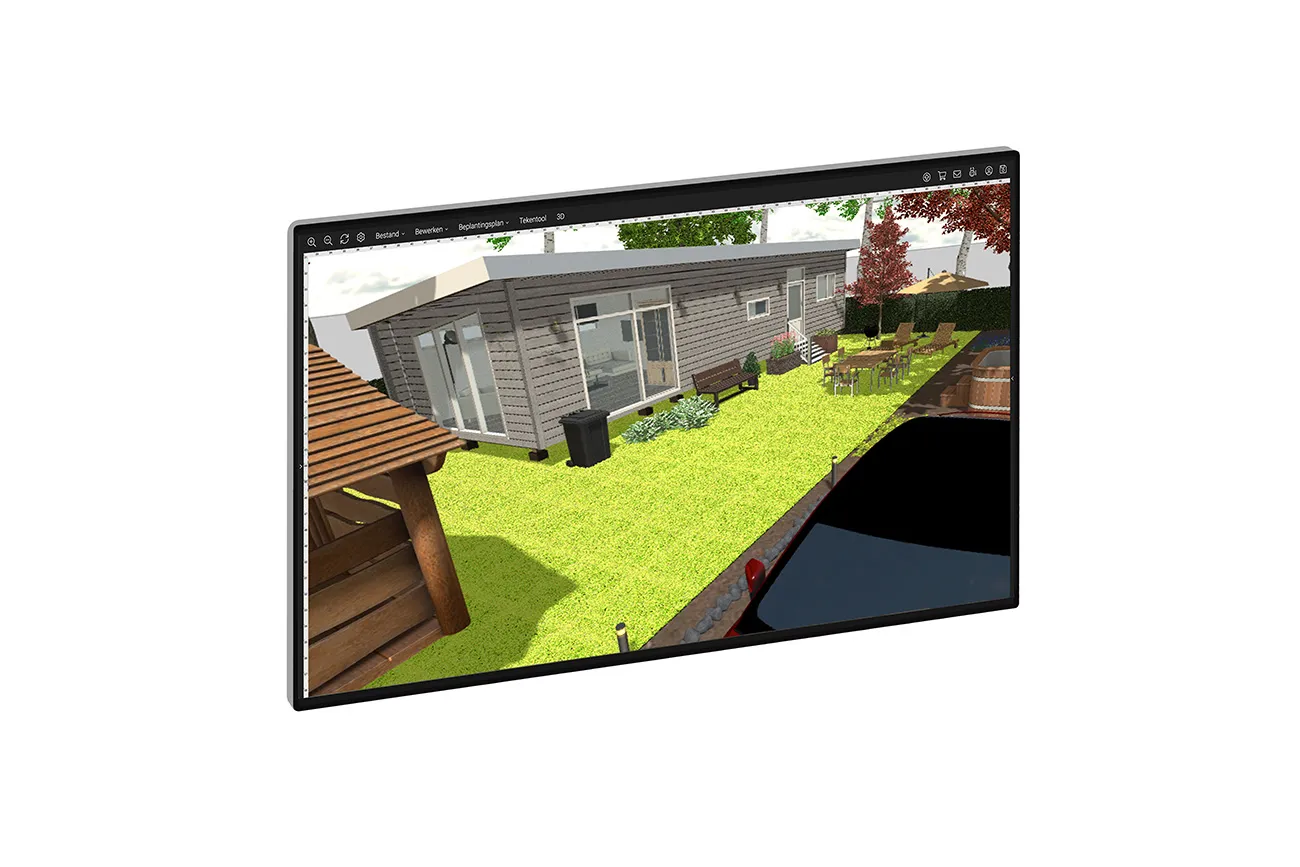
With the garDsign design tool, which has already been used to design more than a hundred thousand gardens, green professionals can easily create a complete design, including features such as an irrigation and lighting plan. The tool has a 3D function that offers a preview of the garden, allowing users to take a virtual walk through it. Other features include a quotation, planting list and sun and shade simulation. Recently, in response to user requests, garDsign has made a number of updates and optimisations.
User-friendly
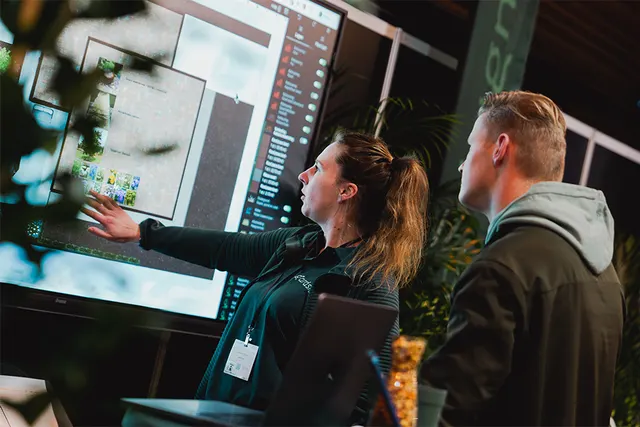
User-friendliness is important to Van de Pol. “As a landscaper, I know exactly the order in which you want to work things out and enter them when creating a design.” This gives the tool a logical structure. “We have made major improvements to the programme and expanded its functionality, while listening carefully to what our users want. For example, customers told us they were missing certain models, but we have also addressed some of their bigger requests. One example is the ability to import plot data. You can now easily import cadastral data, maps or aerial photos to scale into your garden design, and compare them with one another. ‘This saves measuring and drawing in the property boundaries separately.’”
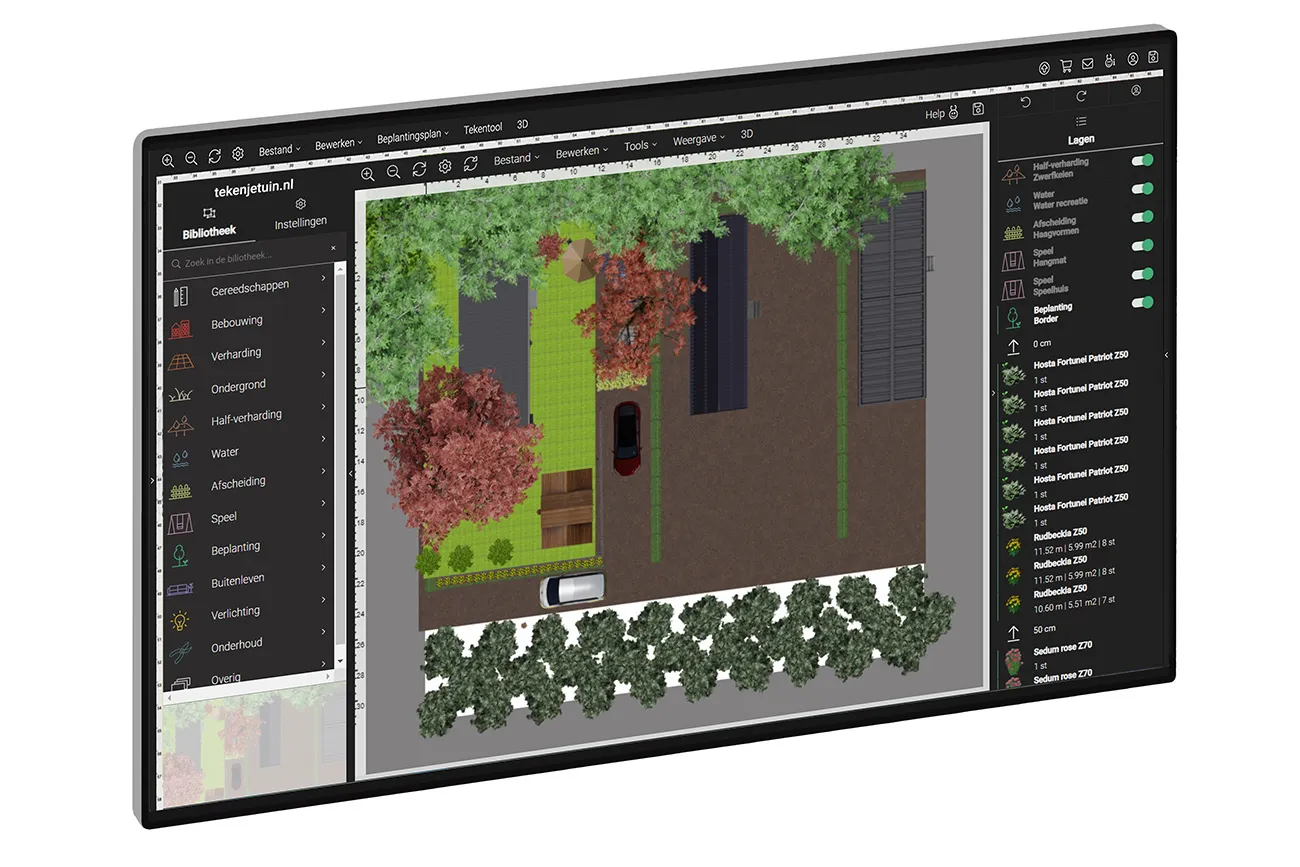
Improved lighting tool
The Lighting Planner feature lets users add a comprehensive lighting plan to their garden design in just a few steps. Both functional and mood lighting can be added. “With a single click, you can add a power supply and place lights wherever you want. Once the lighting plan is complete, a corresponding cable plan and order list are generated automatically. We have fine-tuned this feature too. For example, we recently added more types of lights to the programme.”
Irrigation plan
The Plant Encyclopaedia in the design tool lets you create a detailed planting plan or have one generated automatically. Calculating the required number of watering points is child’s play. All you need to know is the water pressure and whether there is a water source. Then, with just a few clicks, the entire garden is digitally fitted with the right irrigation system. Based on the areas that need watering, such as borders, the vegetable garden and the lawn, the programme calculates exactly how many sprinklers and pipes are needed.
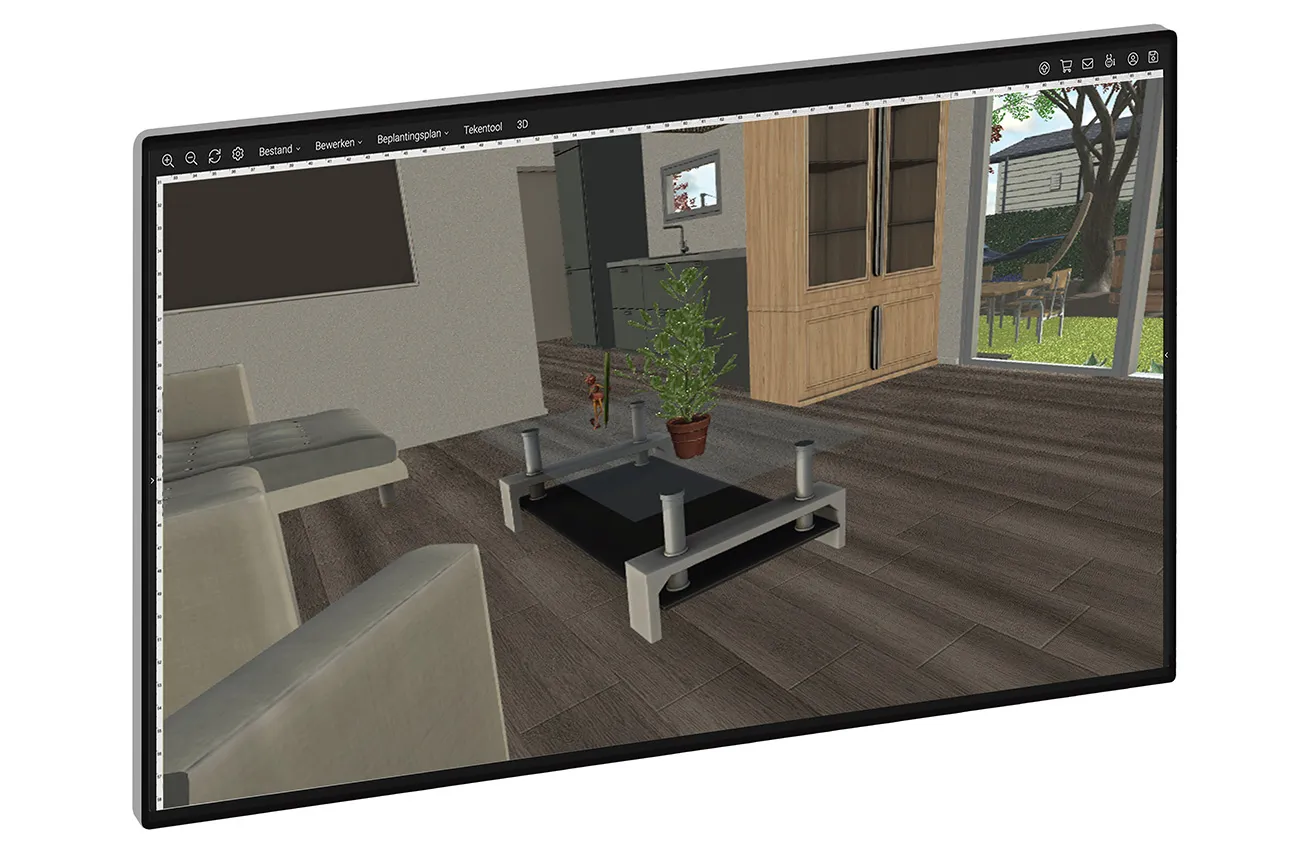
A better impression
The 3D beta version features improved lighting, sunlight and shadows, including controls to adjust them. This makes the garden design even more lifelike. “We have also improved navigation, so you can view the design from a bird’s-eye perspective. And in response to user requests, users can now choose whether or not to show items such as tables and chairs.”
Planting list
“Our users tell us they can really see that this tool was developed by people with practical experience. They also appreciate that we continue to develop it based on their feedback. This ranges from major changes to small additions, such as prairie plants and non-flowering plants, as well as water butts and garden sheds.”
Een zakelijke vraag aan garDsign? Get in touch
Companies in this story

Keep following this
Get an email when a new story is published. No account needed.
- ThemeGardens from design to maintenance
- SubjectDigitalisation & software
- CompanygarDsign