








‘The latest functionality means valuable work is never lost again’
Text and images garDsign
Systems behind online design tool revamped
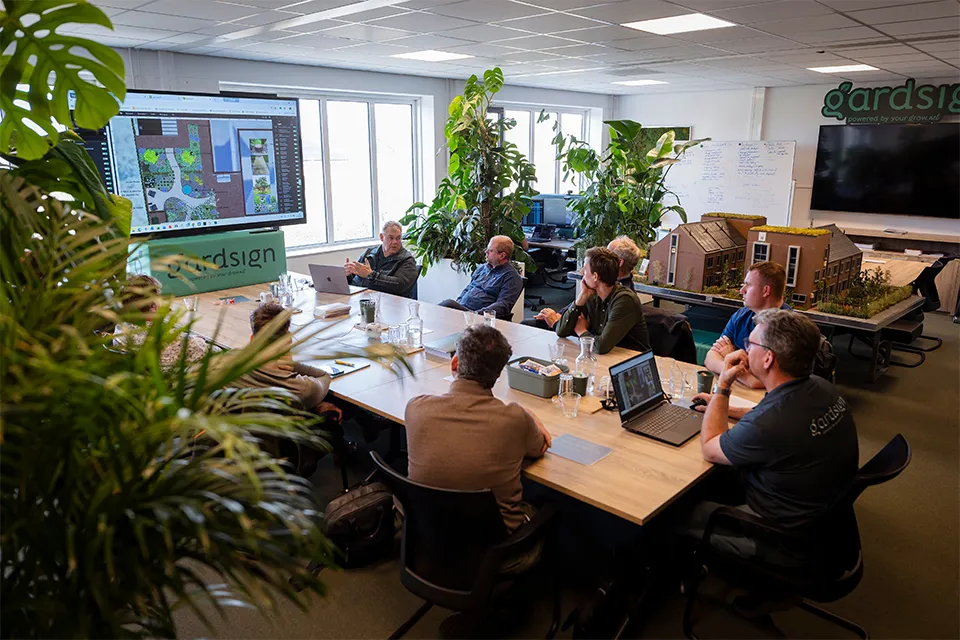
The revamped garDsign platform offers everything green professionals need to take their knowledge and skills to the next level. Behind the scenes, the team is constantly introducing updates and improvements, often in response to users’ questions and requests. The online design tool is gradually being connected to the new system, and AI is also being used to develop new functionality.
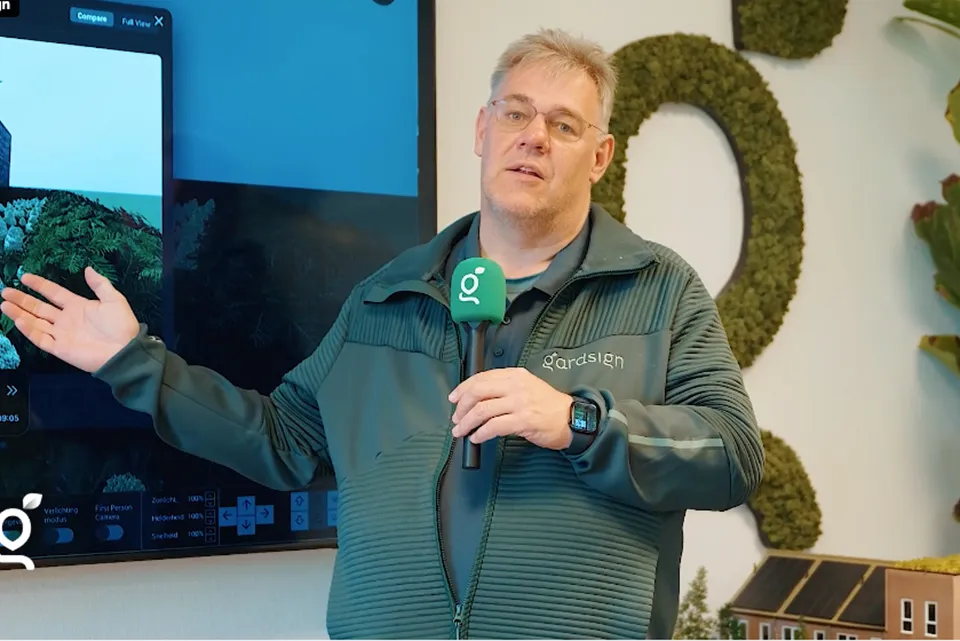
The system upgrade has made it possible to use a revision button to restore a design to an earlier point in time. This functionality means valuable work is no longer lost, for example if the connection drops or there is a power cut. Users can review multiple previews and then choose which point in the design they want to return to. This is a long-standing request from many users. The functionality will be further fine-tuned over the coming months and developed from a beta version into a final release. Initial feedback from users is positive.
More realistic visuals
Another request that came up frequently at the Groene Sector Vakbeurs in January this year was for more realistic visuals. It was already possible to simulate sun and shade, fly through a drawing in 3D using bird’s-eye view, or walk through a design using the first-person camera. Thanks in part to the use of AI, garden designs are now being taken to the next level. It is now possible to turn a garden design into a more realistic photographic image. This functionality is being developed further step by step, creating an ever wider range of possibilities. For now, this option is only available in MKB-next.
Greater ease of use
Various techniques have been built into the design tool over time. These are now being reviewed and aligned so that everything works in the same way. This should make it easier to keep track of things while designing. Updates on the changes and improvements made to the design tool are published monthly. The accompanying videos can be viewed on the website. The February update explained, among other things, that the 3D world had been revamped and made faster. Keyboard shortcuts have been added in 3D, making it quicker to move around and set the height using modifier keys, the arrow keys or mouse clicks. This makes designing easier, for example when importing a plot.
Next steps
Over the coming months, it will become possible to import more elements, such as buildings in the surrounding area and materials. The improved speed of the 3D world is valuable not only during the design process, but also when presenting a design to a client.
The Knowledge Garden was recently launched on the garDsign platform, providing green professionals with a source of industry information. This portal offers up-to-date, high-quality information in the form of blogs, practical tips and videos from garden experts, growers and suppliers. The next step in sharing information and developing knowledge will be taken over the coming months. Following the launch of the Knowledge Garden, a garden-focused communications app is now also in development. More details on what this application means for green professionals in practice will be shared at a later date. Follow developments for more information about this new app.
Sign up for the free Support Morning
Working in the online design tool and something not going as expected, or keep getting stuck at the same point? Sign up now for the free Support Morning and come and see us. We’ll get you back on track quickly.
Current courses
garDsign powered by yourgrow offers new practical courses and training (in person and online) to help you learn to see and work differently as a green professional. The information can be put into practice straight away.
garDsign garden design for beginners
· One-day workshop
· Learn how the tool is structured so you can create a design, from importing the garden and cadastral data through to checking dimensions.
· Also suitable for employees without formal design training.
garDsign garden design for advanced users
· One-day workshop
· For experienced users who want to refresh and deepen their knowledge.
· Learn more about layers and settings, drawing roofs, adding changes in level, and creating a planting plan and mood board.
Designing in practice
· Two-day programme
· What is design, and what steps does the process involve?
· What do you need to be able to design, and how do you work towards a planting plan?
Stand out as a landscaper and sign up now for one of our courses or training sessions. Or bring valuable knowledge in-house, both literally and figuratively, with an in-company training course. Check all dates and options: https://gardsign.com/agenda
Question about this story? Ask your question
Keep following this
Get an email when a new story is published. No account needed.
- SubjectGeneral